
run beloved agents side by side
JetBrains Air is the Agentic Development Environment where Codex, Claude Agent, Gemini CLI, and Junie execute independent task loops without interfering with each other.
Higher velocity
Run multiple agent tasks in parallel rather than sequentially, getting more done.
Better delegation
Explore the project, break work apart and assign different agents, matching the right tool to each job.
More oversight
Enjoy enhanced visibility into what agents are doing, check in on progress, and course-correct when needed.
Smarter reviews
Improve review workflows and test different agents, tools, and flows in one place.
a complete loop for coding with agents
Define your task
Explore your project and gather the right context by referencing files, commits, symbols, or images.
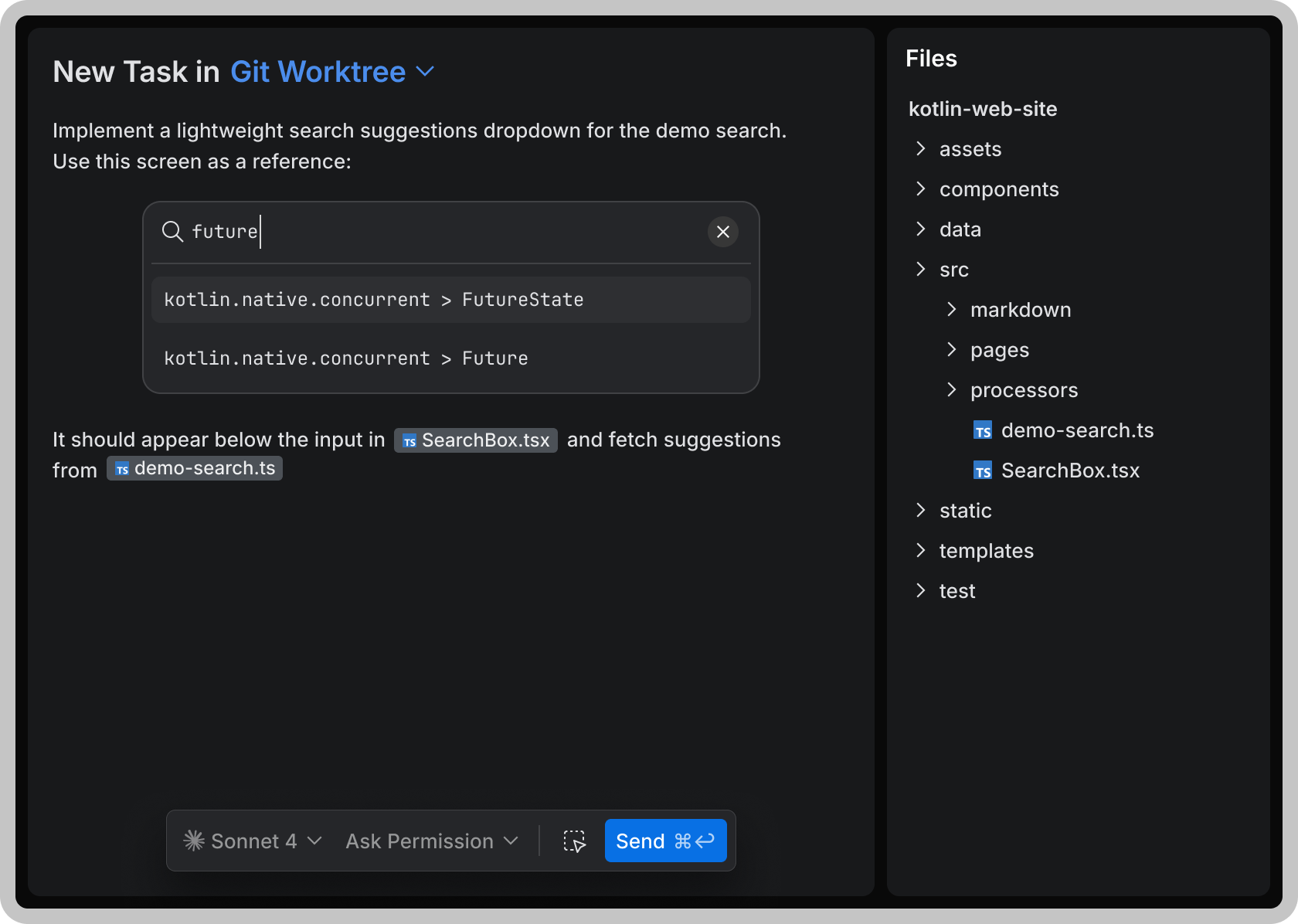
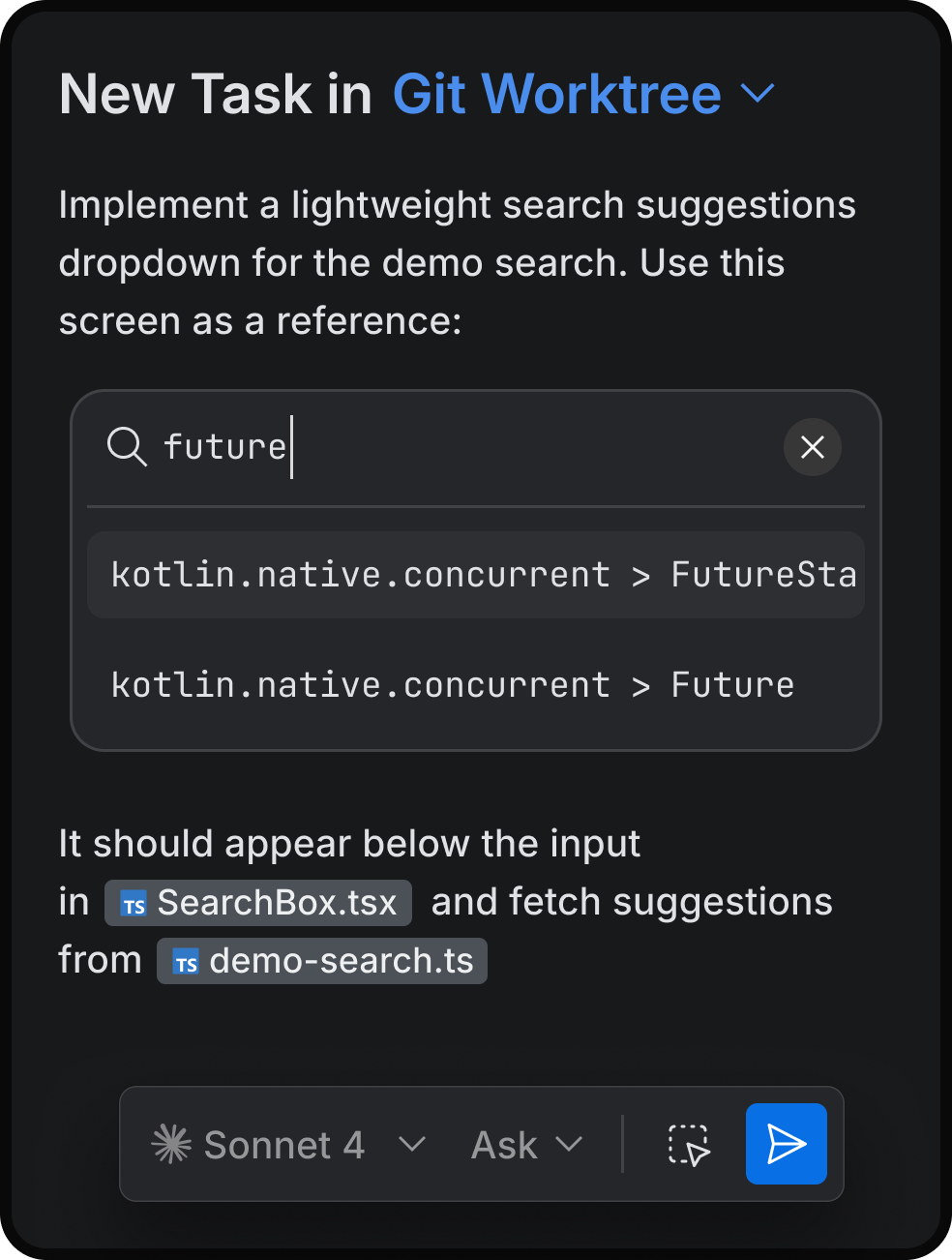
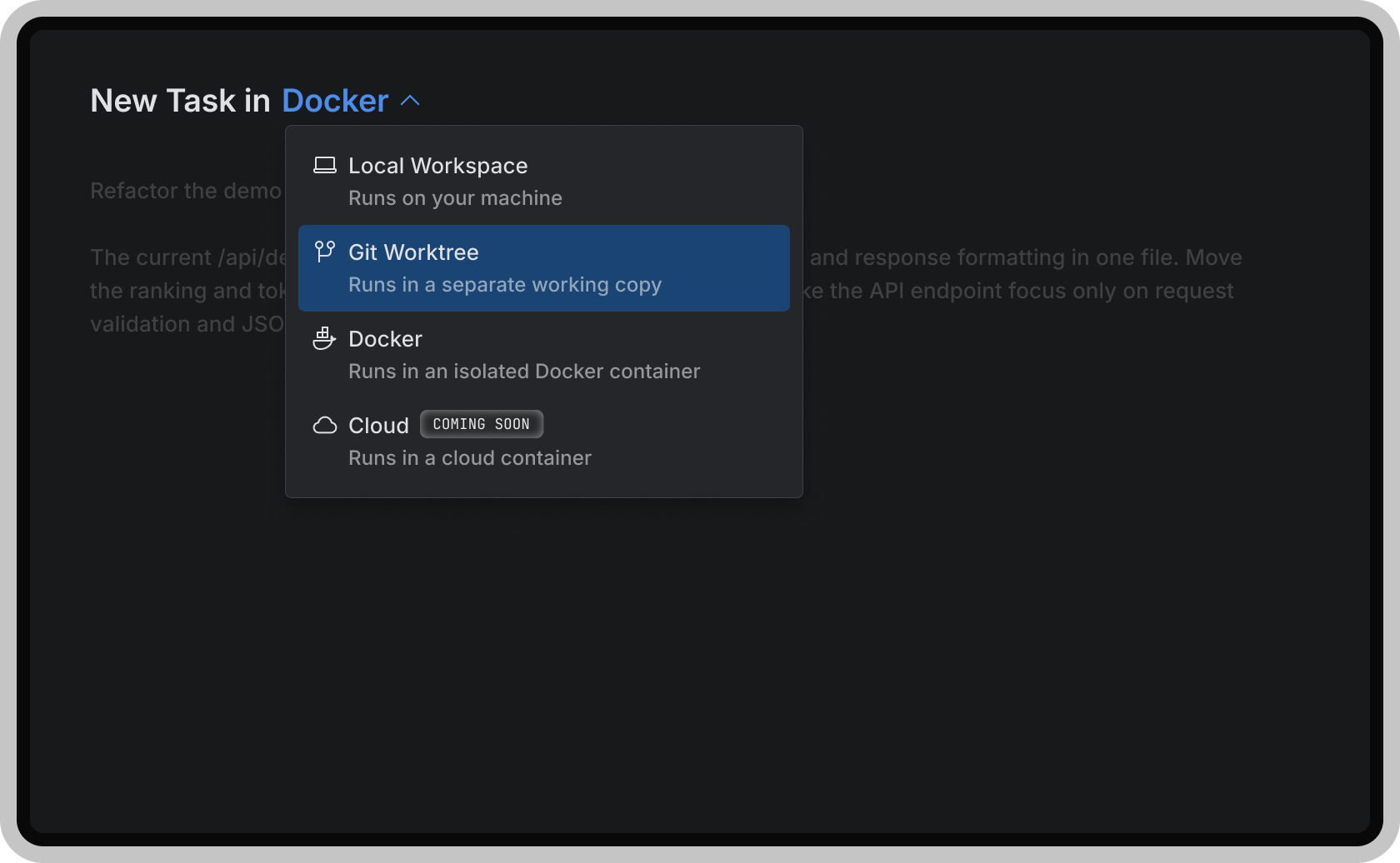
Run tasks in parallel — without conflicts
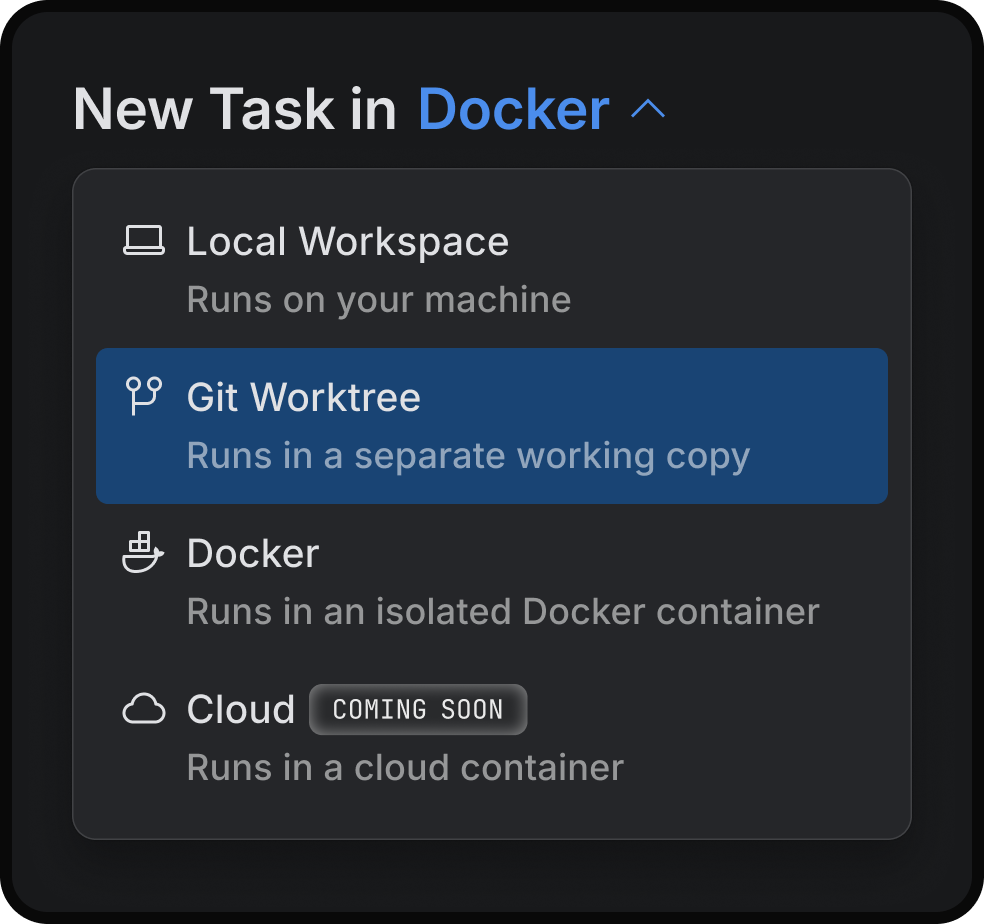
Launch multiple agents at once and decide where each runs. Choose between Codex, Claude Agent, Gemini CLI, or Junie.
Air takes care of the setup with Docker, Git worktrees, or cloud environments (coming soon) – keeping every task isolated.
Switch context without losing control
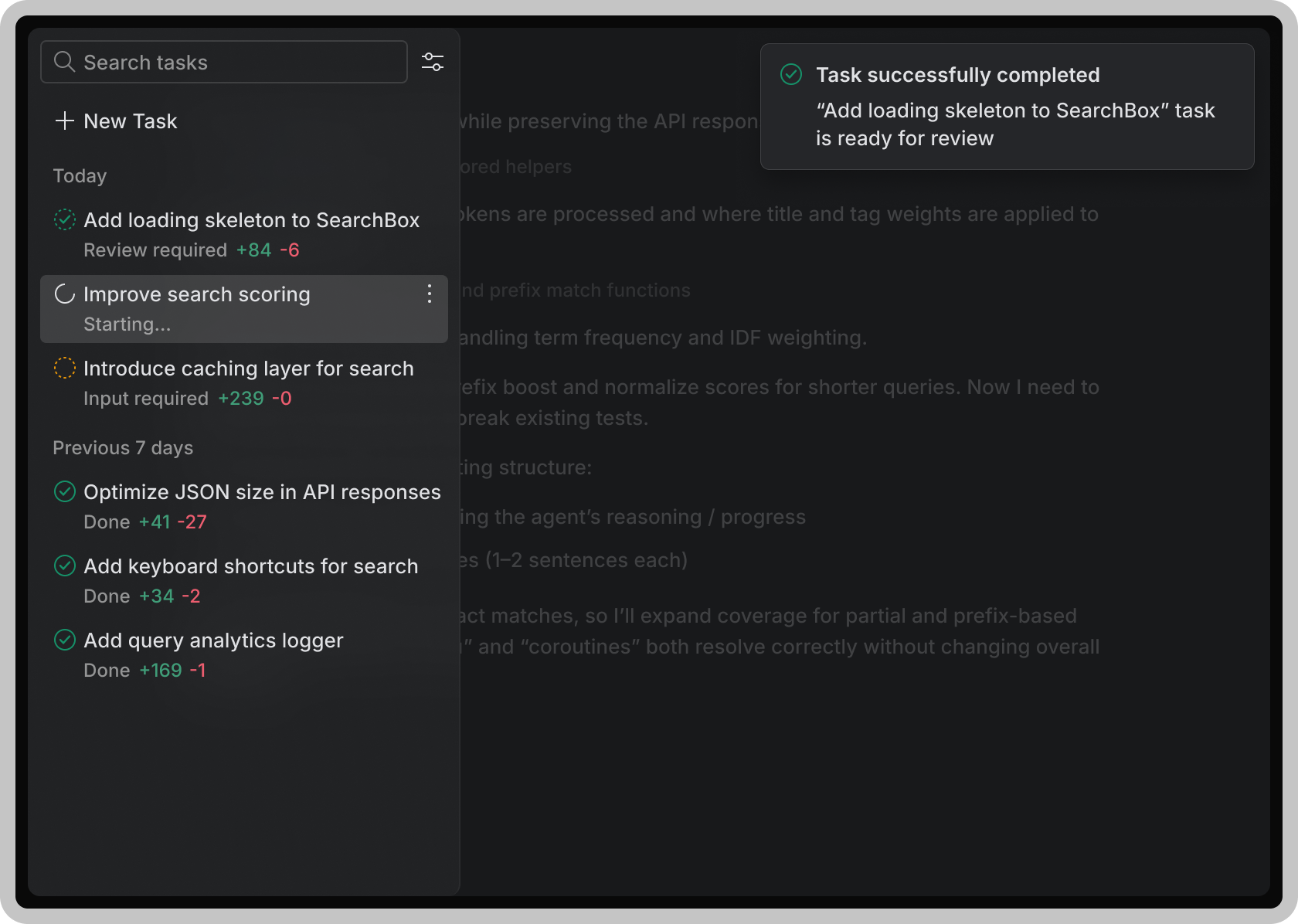
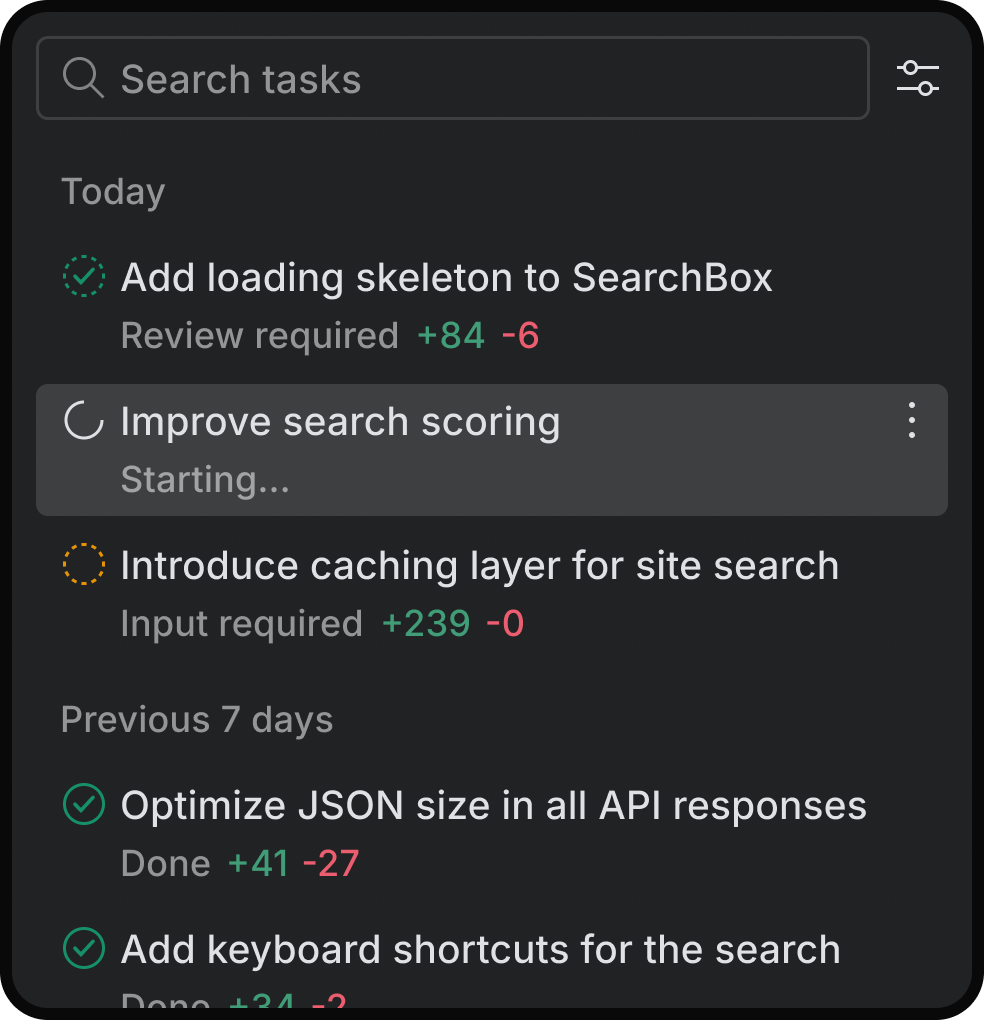
Get an overview of the agents' progress on your async tasks. Quickly switch to the task to provide additional input or check what the agent is doing.
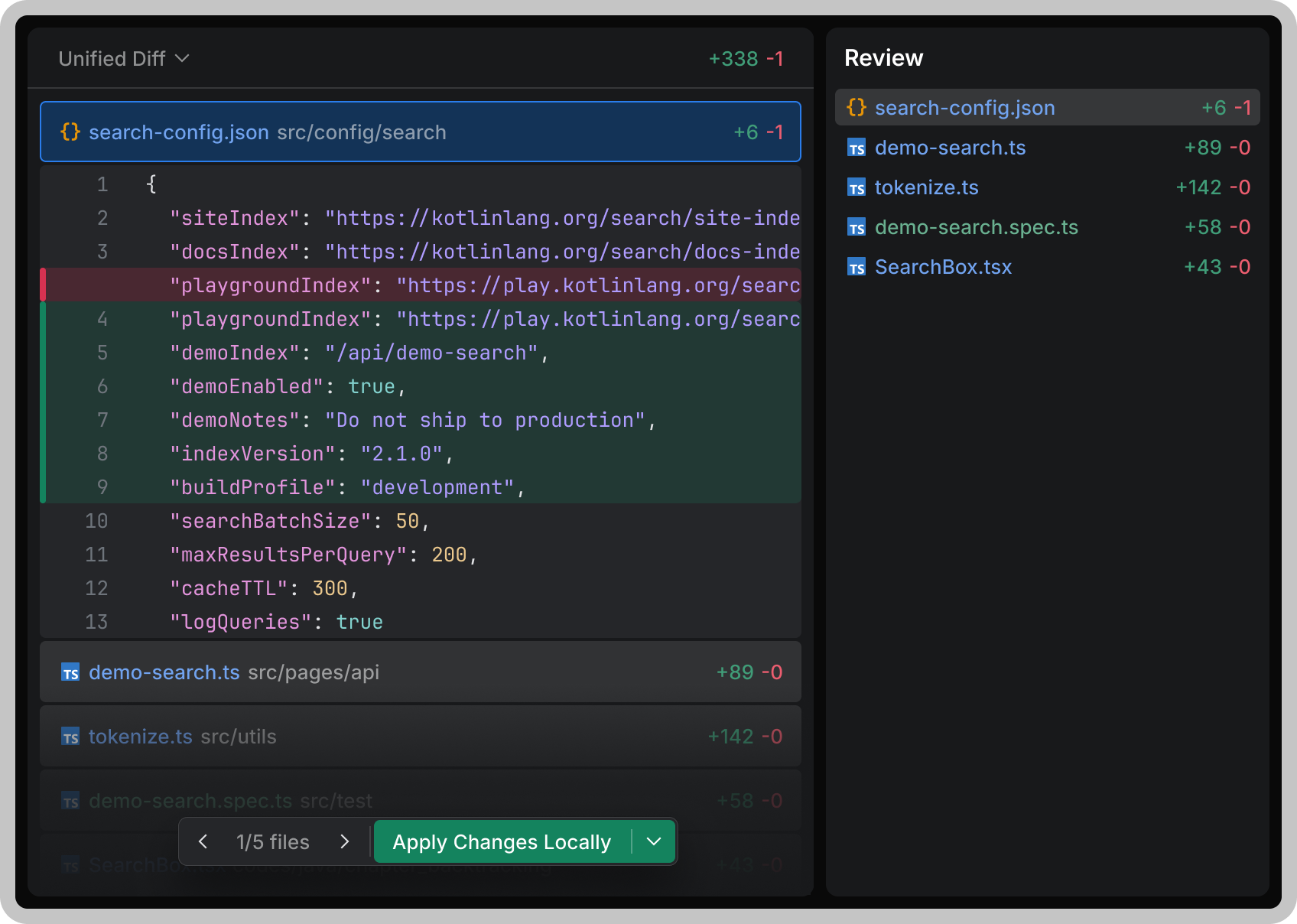
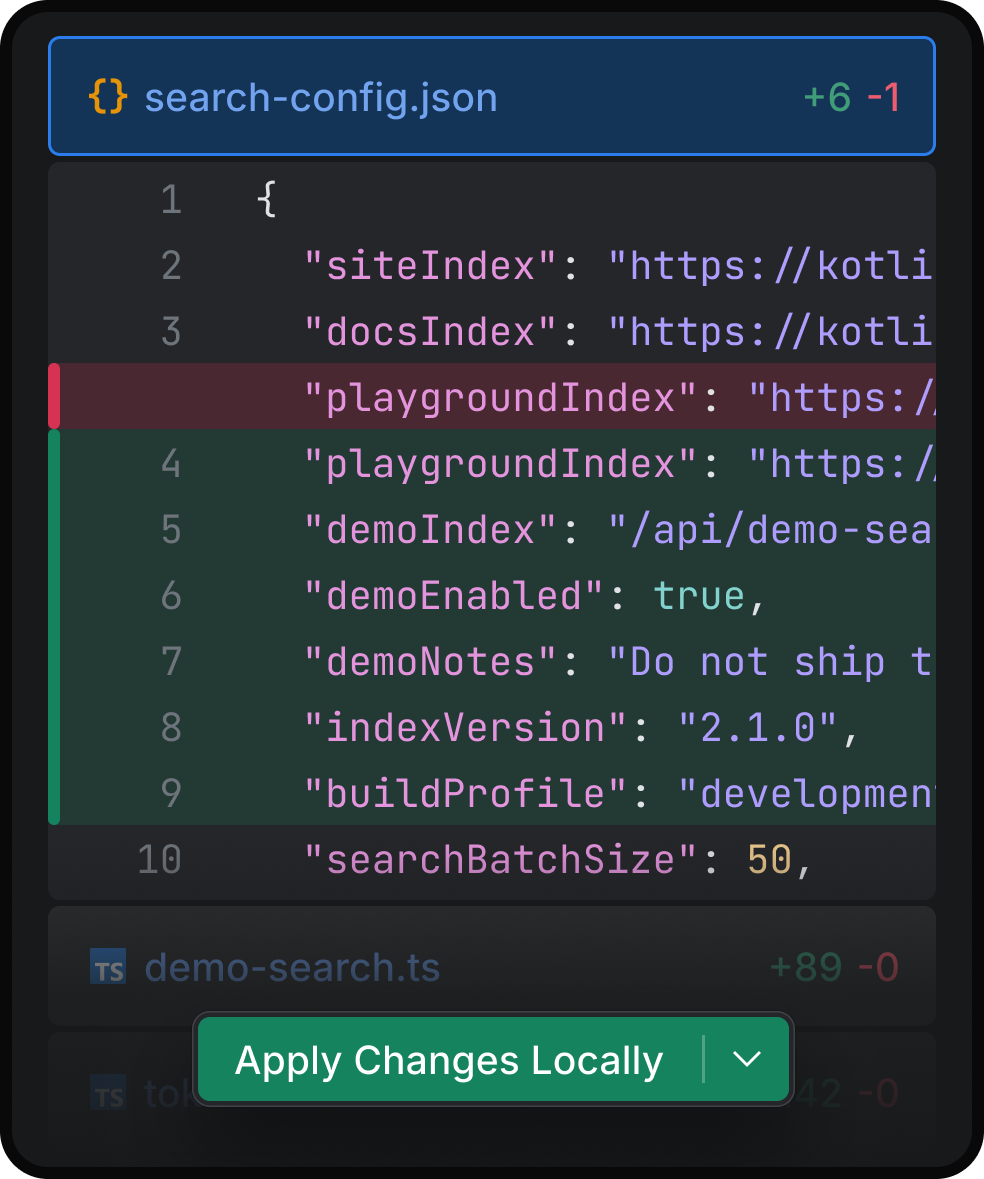
Review and commit changes
Explore your project using language-aware navigation and give agents the right context by referencing files, commits, symbols, or images.
what's coming
Kick off tasks from your phone, browser, or CI pipeline and let agents run in the cloud — no local machine required. Keep every environment isolated and reproducible.
Set up automations that trigger agent tasks on events like pull requests, issues, or a schedule, so agents can start working before you even open your editor.

using air at jetbrains
“With Air, in one evening, I was able to code a pretty sophisticated CLI in Go, a language I had never used before.”

“I've been experimenting with Air by adding Junie support to OpenClaw. You get agents like Claude Agent doing the work, but it never feels like you're just watching.”

“When I use Air to work on Kotlin microservices, I can easily plan and refine my work while my favorite agents execute in parallel in Git worktrees.”

faq
Air is an agentic development environment built by JetBrains. With Air, you can delegate coding tasks to multiple AI agents and run them concurrently, each in its own isolated environment, so you can move faster without losing oversight of what's happening in your codebase.
Most agent tools focus on the model. Air focuses on the workflow around it — defining tasks with rich context, running several agents in parallel without conflicts, keeping an overview of progress across tasks, and reviewing and committing changes with language-aware navigation.
At launch, Air supports: Claude Agent (Anthropic), Codex (OpenAI), Gemini CLI (Google), and Junie (JetBrains).
Yes. Air is agent-agnostic. You can switch models depending on the project or task, and even run different agents side by side on the same codebase to compare results.
JetBrains AI Pro or Ultimate: Sign in and use all supported agents at no additional cost, within your subscription's usage limits.
Bring your own key (BYOK): You can also connect your own API keys for Codex, Claude Agent, Gemini CLI, or Junie and use Air without a JetBrains AI subscription.
Workspaces keep agent sessions, Git state, navigation, and tools scoped to a single project, so context never leaks between unrelated tasks and you can jump between projects without losing your place.
Air is a standalone desktop application designed for agent-powered workflows. It complements your JetBrains IDE rather than replacing it — use Air to orchestrate agents across a project, and your IDE for deep, hands-on editing.